Build a page
Start with a customer question. Open the lesson on a service page for the facts to gather, a writing prompt and an SEO check.
Build a service website from first page to first inquiry.
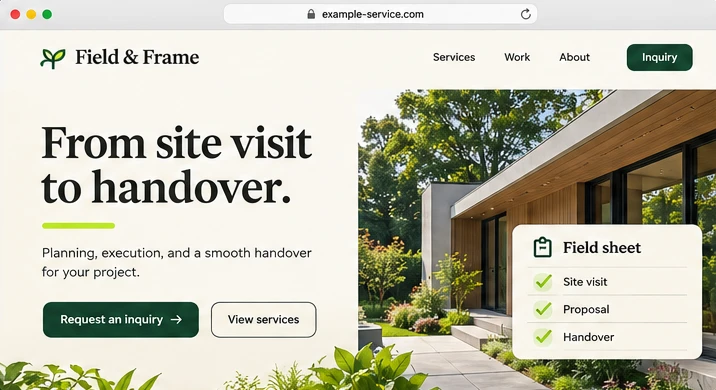
Answer real customer questions. Give them a clear path to an inquiry.
Start with a customer question. Open the lesson on a service page for the facts to gather, a writing prompt and an SEO check.
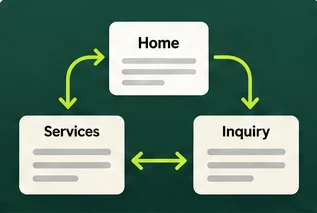
Give the reader a next step. Follow an article into a service, then audit the links that lead to an inquiry.
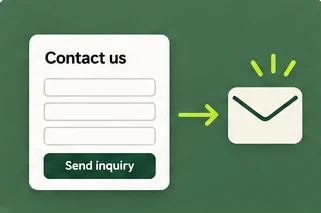
Connect Cloudflare and Resend. Check the provider response and confirm the message reaches your inbox.
package.json in your editor or coding assistant. Start with START-HERE.md.npm ci, then npm run dev. Open the address Astro prints and keep that terminal running.src/config/site.ts. Open a service page and expand its builder guide. Edit the matching Markdown file in src/content/services/ and watch the preview update.npm run qa and node scripts/check-content.mjs --release in a second terminal. Follow docs/cloudflare-deploy.md to publish.Read AGENTS.md and START-HERE.md. Check Node 24 and npm, install with npm ci, and run npm run qa. If checks pass, start the dev server and show me the local homepage. Help me replace one sample service using the business facts I supply.
Already have a React site? Learn how to reuse a React component in Astro, such as a quote calculator on a service page.